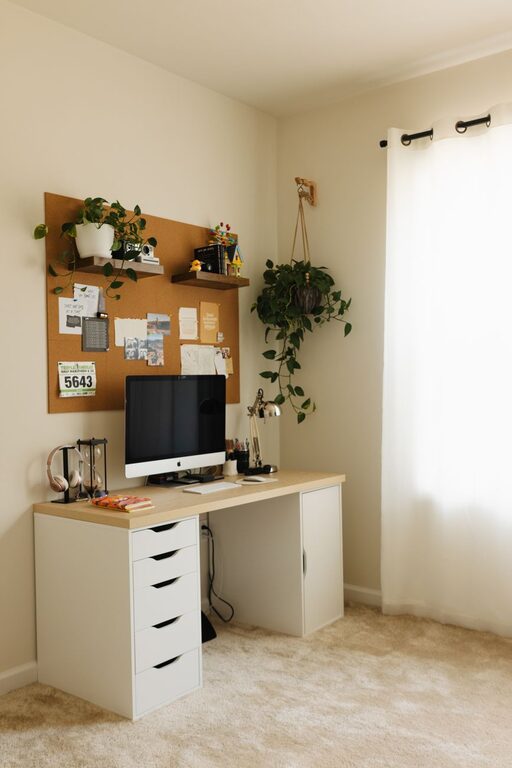
Creating a home office that feels cozy yet remains highly functional is key to staying productive and comfortable while working from home. Whether you have a dedicated room or just a small corner, you can design a workspace that inspires focus without feeling sterile or cluttered. Here are practical tips to help you balance comfort and efficiency in your home office setup.
Choose the Right Location
Finding the perfect spot for your home office sets the foundation for a productive workday.
– Privacy and quiet: Look for an area in your home away from high traffic and noise to minimize distractions.
– Natural light: Whenever possible, set up near a window to make use of daylight. Natural light boosts mood and reduces eye strain.
– Space considerations: Think about how much room you need for your desk, equipment, and storage. Even small spaces can work well with smart layouts.
Invest in Comfortable and Ergonomic Furniture
Your furniture can make a big difference in comfort and health during long work hours.
– Ergonomic desk and chair: Choose an adjustable chair that supports your back and encourages good posture. A desk at the right height helps avoid strain.
– standing desk options: Consider a desk that can convert from sitting to standing to break up long periods of sitting.
– Adequate surface area: Make sure your desk has enough room for your computer, paperwork, and any other essentials.
Organize Efficiently to Reduce Clutter
A tidy space not only looks nicer but also helps you stay focused.
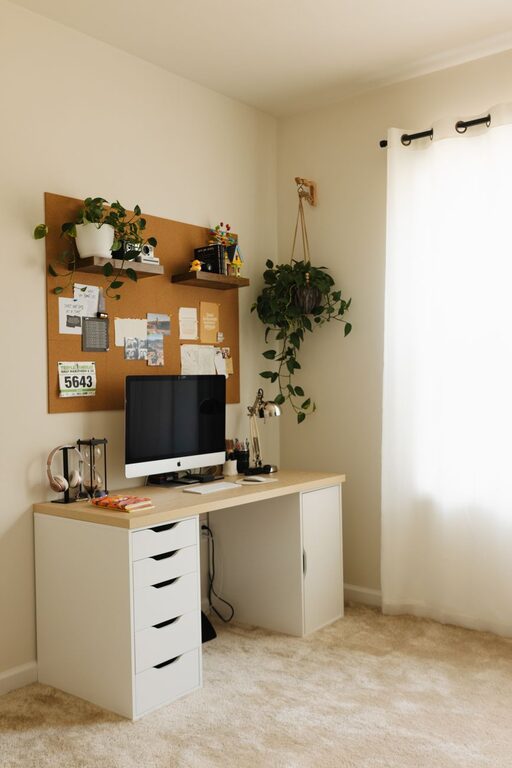
– Use storage solutions: Drawers, shelves, and filing cabinets can keep necessary items organized and out of sight.
– Desktop organization: Use trays, pen holders, and cable management tools to keep your desk neat.
– Declutter regularly: Set aside a few minutes weekly to sort through papers and items you no longer need.
Add Personal Touches
Making your home office cozy involves personalization that makes the space inviting and motivating.
– Decorate with artwork or photos: Choose images that inspire or relax you.
– Include plants: Indoor plants improve air quality and add a calming touch.
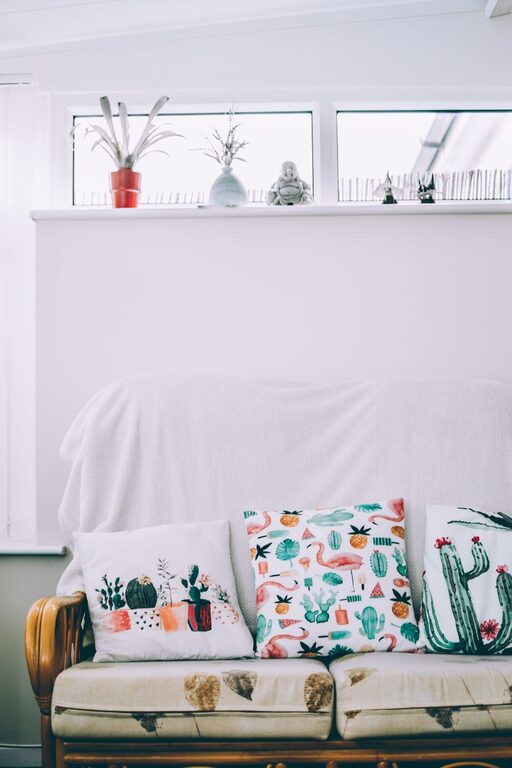
– Use warm colors: Soft tones and textures like rugs or cushions create a welcoming atmosphere.
Optimize Lighting
Good lighting is essential to prevent eye strain and maintain alertness.
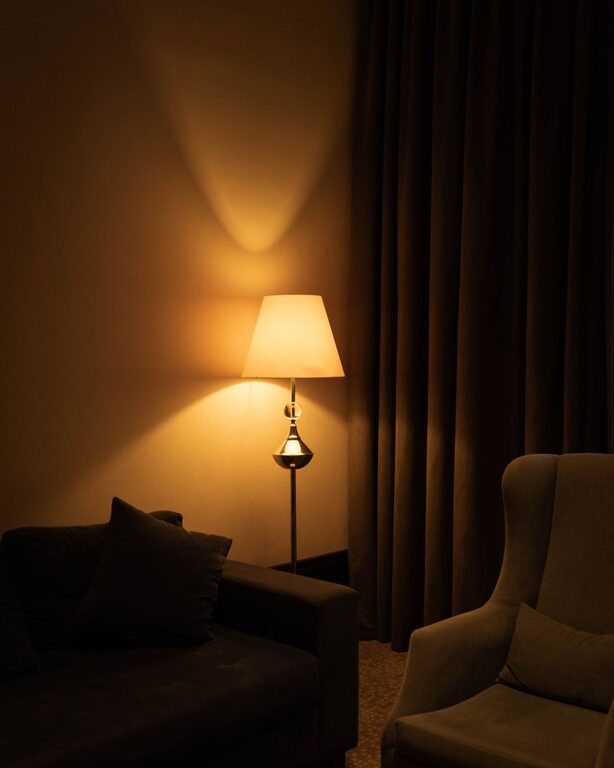
– Layered lighting: Combine overhead, task, and natural light to create a well-lit environment.
– Adjustable desk lamp: A focused light source helps you work comfortably on detailed tasks.
– Avoid glare: Position screens and lights to reduce reflections that can cause discomfort.
Incorporate Technology Thoughtfully
Technology supports your workflow but should be integrated to avoid distractions.
– Efficient equipment: Invest in reliable hardware and software to avoid frustrations.
– Cable management: Keep cords organized and out of the way with clips or cable sleeves.
– Noise control: Consider noise-canceling headphones if your environment is noisy.
Create Zones for Different Activities
If your space allows, divide your office into areas tailored to various tasks.
– Work zone: Your primary desk for computer work and meetings.
– Reading or brainstorming corner: A comfy chair or small table where you can review documents or plan.
– Storage zone: Shelving or cabinets for supplies and paperwork.
Maintain a Routine to Enhance Productivity
Finally, establish habits that support your work-life balance.
– Set work hours: Define when your workday starts and ends to avoid burnout.
– Take regular breaks: Step away from your desk to stretch or relax.
– Keep the space clean: Start and end the day with a quick tidy-up to maintain a pleasant environment.
—
Designing a home office that is both cozy and functional is about combining practical elements with personal comfort. By selecting the right location, furniture, and organization techniques, and adding your own style, you can create a workspace that helps you work productively without sacrificing comfort. Small changes can make a big difference, turning your home office into a place you truly enjoy spending time in.
About the Author